Read the task in the verified jeep example
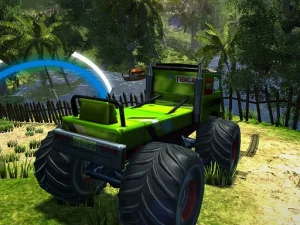
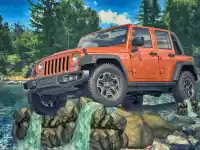
4x4 Fury:offroad Jeep features mountain roads, muddy tracks, rocky hills and desert environments. Its matching provider build includes missions, different jeep models, vehicle selection, customisation and unlocks. Check the mission and selected vehicle before beginning a route. That gives you a concrete purpose for the next input instead of assuming that every obstacle belongs to a timed competition against other drivers.
The listed keyboard controls are W or up to accelerate, S or down to brake or reverse, and A/left or D/right to steer. Learn the response of the jeep before committing to a difficult section. A short, deliberate input is easier to evaluate than a large correction made after the route has already gone wrong. Keep the vehicle's movement and the upcoming change in terrain in view together.
Separate the driving line from the driving input
When an attempt does not work, ask which part differed from the plan. You may have selected an awkward line through the visible space, approached the obstacle at an unsuitable pace or steered differently from what you intended. Those are different problems. Changing the route first is useful when the route was the issue; changing the control input is useful when you understood the route but could not follow it.
Inspect an approaching turn or slope before adding another action. This is a way of organising attention, not a promise that every game uses an identical traction model. Read the current version's feedback and judge the effect of your adjustment. If you can revisit a familiar section, compare one change there before drawing a conclusion about a new environment that may introduce several differences at once.
Compare the actual missions behind the card names
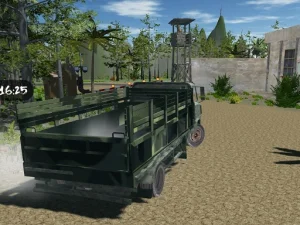
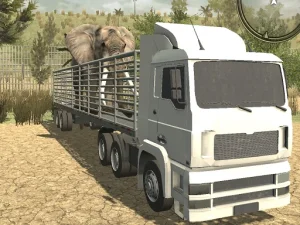
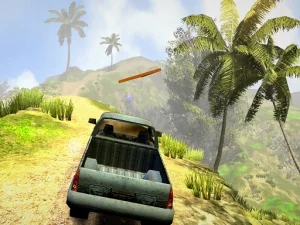
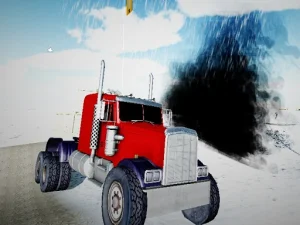
The displayed cards include Offroad Truck Army Driving, Offroad Truck Animal Transporter, Cargo Truck Offroad and Offroad Jeep Hills Driving. Their titles suggest different pages to inspect, but the names alone do not establish the load, completion condition or available controls. Open the selected game's instructions before making those assumptions. A transport-themed title and a motorcycle-themed title may call for quite different decisions even within the same collection.
The Simulator collection provides another browsing route when you want to compare how a game represents an activity. Keep the same habit there: identify the task, read the inputs and observe the result. A simulation label does not guarantee one particular physics system or a universal set of vehicle options. Judge what the current game actually presents, rather than expecting every card to reproduce the jeep example.
Make practice specific enough to evaluate
Choose one question for an attempt: how does this steering input affect the approach, where should the next turn begin or what condition completes the mission? A question like that makes feedback useful. After the attempt, describe the first point where the result stopped matching the plan. Change that part before replacing the whole approach. This keeps experimentation manageable when a route initially feels difficult.
Use the vehicle and mission options that are available in the loaded version, and check the controls supplied for your device. If the game has not finished opening, distinguish that from a failed driving action before restarting. Return to the collection when another task would suit you better. The useful link between these games is learning to read the vehicle's job and the route together, while keeping each game's rules separate.