












Tunnel Rush Guide: Pattern Reading, Smooth Steering and Recovery
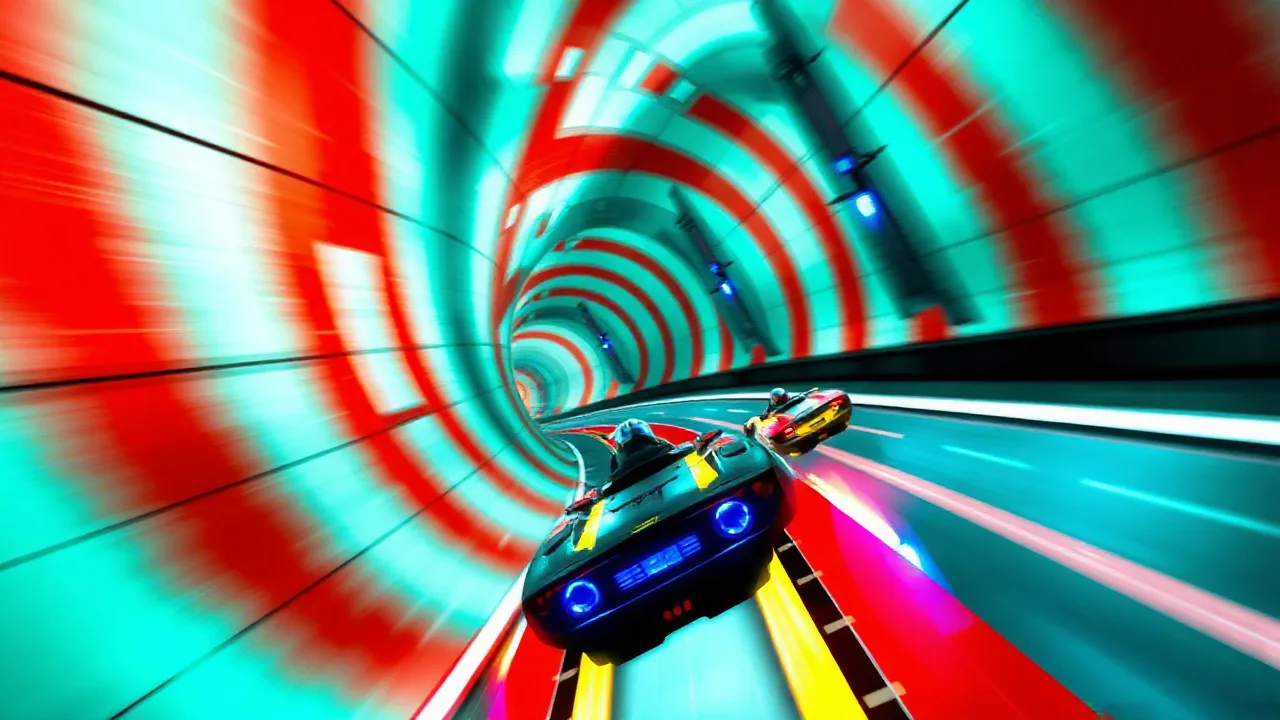
Tunnel Rush is a reaction game, but better reactions begin with better anticipation. The tunnel moves quickly, obstacles arrive in patterns, and the temptation is to make large corrections at the last moment. A steadier approach is to read farther ahead, keep the player near a recoverable line, and move only as much as the next opening requires. This guide turns those ideas into a practical routine for browser play.
Start from the verified Tunnel Rush 2022 game. The related Tunnel Rush collection is the internal page for other matching content. Follow the controls displayed by the current game, since keyboard, pointer or touch prompts can vary between browser versions and devices.
Look through the obstacle, not at it
When an obstacle fills the center of the screen, staring at its nearest edge makes every movement feel urgent. Shift your attention slightly deeper into the tunnel. Find the opening that will exist after the current obstacle passes. This longer view gives the brain time to choose a direction before the gap reaches the player.
Use peripheral vision for the immediate edge and central vision for the next opening. You do not need to track every decoration. The useful information is the safe sector, its direction of movement if any, and the amount of correction needed. Reducing visual clutter improves reaction quality.
Prefer short controlled movements
A large input may avoid one wall and place you directly in front of the next. Short inputs keep more of the tunnel available. Move toward the center of the safe gap, release, then reassess. The goal is not constant movement; it is arriving in a position that preserves choices.
Practice tapping rather than holding the control through several obstacles. If the game uses continuous steering, learn how quickly the position changes after a brief input. On touch devices, use small deliberate motions and keep the active finger from covering the center of the tunnel.
Return toward a neutral line
After passing an obstacle near one side, begin looking for a safe route back toward a neutral area. Staying pinned to the edge can make an opposite-side opening difficult to reach. A neutral line is not always the exact visual center; it is the part of the current tunnel that leaves multiple directions open.
Do not force the return while another barrier blocks the route. Wait for a broad opening, then use part of that space to recenter. Treat recentering as preparation for the next sequence, not as a rule that overrides immediate safety.
Classify obstacle patterns
Instead of memorizing an entire run, group obstacles into simple types: central blocker, side wall, rotating opening, narrow gate and alternating sequence. Each type suggests a different response. A central blocker asks for an early side choice. A narrow gate rewards a small correction. An alternating sequence punishes holding one direction for too long.
Naming the pattern makes the response easier to repeat. After a collision, ask which type caused it and whether the problem was a late read, an excessive movement or a failure to return to neutral. That diagnosis is more useful than restarting immediately with the same habits.
Read rotation before committing
When a gap or barrier rotates, do not aim only at its current location. Estimate where the opening will be when you reach it. Watch two or three frames of motion, identify the direction, and move toward the future opening. The necessary lead depends on speed, so use early attempts to calibrate rather than assuming one fixed amount.
Rotating patterns often cause overcorrection. A player sees the gap moving away and chases it too aggressively. Choose a meeting point and make one measured movement. If the route remains open, make a smaller follow-up. Two controlled steps are easier to recover from than one desperate sweep.
Build a rhythm without going automatic
The tunnel creates a rhythm of scan, choose, move and release. This rhythm helps reduce panic, but it should not become an automatic left-right pattern. Obstacles can arrive with different spacing. Keep the process consistent while allowing the timing and direction to change.
A useful verbal cue is “opening, distance, move.” Identify the opening, judge how far it is from your current line, then make the movement. With practice the words disappear and the sequence becomes natural. The important part is that observation happens before input.
Slow your hands when the screen feels fast
Faster visuals often make players move more, even when the correct response is a small adjustment. Relax the hand and reduce the amplitude of each input. Quick does not need to mean violent. A light tap can happen just as early as a long hold and leaves more room for correction.
If tension increases after a close escape, use the next broad section to reset your grip. Players frequently collide one obstacle after surviving a difficult one because they keep holding the previous direction or remain focused on the avoided wall. Release the input and move attention forward immediately.
Use early runs for calibration
During the first run, notice how far a short input moves the player and whether movement continues after release. In the second run, focus on recentering after side obstacles. In the third, look farther ahead and name pattern types. These calibration runs teach the behavior of the current device and browser.
A strategy learned on a keyboard may feel different on touch or a trackpad. Do not judge the game until the control response is understood. Keep the same device for a practice session so that timing comparisons remain meaningful.
Recover from a bad line
Sometimes you notice an obstacle late and begin from the wrong side. First choose the nearest viable opening, not the perfect center. Make one strong enough correction to enter that space, then stop adding input. Continuing to steer after reaching the gap can turn a successful recovery into a collision.
If no clean route seems visible, look for the widest edge rather than switching directions repeatedly. Rapid alternating inputs waste the remaining time. A committed imperfect route is often better than indecision. After the run, review why the obstacle was read late and adjust the viewing distance.
Separate visual errors from control errors
A visual error happens when the opening was identified too late or its motion was misread. A control error happens when the correct opening was known but the movement was too large, too small or held too long. The solutions differ. Visual errors require earlier scanning; control errors require calibration and cleaner release.
After a collision, remember the last two decisions. Did your eyes remain on the previous obstacle? Did you choose the future position of a rotating gap? Did your finger release when intended? Change one cause on the next attempt. Changing the entire style makes improvement difficult to measure.
Protect performance in the browser
Fast tunnel games depend on stable frame delivery. If motion stutters, reload the page once and give the game time to initialize. Close heavy video or game tabs, keep the browser focused, and avoid resizing the window mid-run. A consistent display is more important than a large display.
Use a current browser and stable connection. Do not install unknown extensions or download alleged speed boosters for a basic loading issue. If sound and picture do not feel synchronized, rely on the visual opening for steering. Audio can support rhythm, but the screen provides the decisive position information.
Create a ten-run practice plan
Runs one and two are for input calibration. Runs three and four focus on looking beyond the nearest obstacle. Runs five and six emphasize returning to a neutral line. Runs seven and eight classify patterns and read rotation. Runs nine and ten combine the method while keeping the hand relaxed.
Record the reason for the final collision in one short phrase: late read, held too long, wrong side, chased rotation or lost focus after escape. The distribution matters more than one score. If most failures share a cause, the next practice session has a clear goal.
Common mistakes
The first mistake is staring at the closest edge. Look toward the next opening. The second is holding a direction through multiple obstacles. Release and reassess. The third is staying at the wall after a successful pass. Recenter when a broad route allows it. The fourth is chasing a rotating gap instead of predicting its future position.
Another mistake is restarting so quickly that nothing is learned. A two-second review can save many repeated failures. Name what happened, make one adjustment and keep the rest of the routine stable.
Frequently asked questions
Should I remain in the center?
Use the center or another neutral line as a recoverable default, but move early when an obstacle requires it. Safety is more important than exact symmetry.
Why do I crash immediately after a difficult obstacle?
You may still be holding the previous direction or watching the obstacle that already passed. Release, look forward and use any broad section to reset.
How can I react faster?
Look farther ahead and classify the pattern sooner. Earlier information is more reliable than trying to make the hand move dramatically faster.
Final checklist
Before each sequence, find the next opening, judge its future position, choose the smallest effective movement and release as soon as the safe line is reached. Return toward a neutral area when possible. Keep the browser stable, review the cause of collisions and practice one weakness at a time.
Tunnel Rush becomes more controlled when speed is treated as a reading problem. You cannot remove surprise from the tunnel, but you can create more time by placing your eyes ahead of your hands. Calm inputs, early pattern recognition and quick recovery produce a run that feels deliberate even when the scenery moves fast.