




















Snowboarding Games Unblocked: Control, Balance and Better Runs
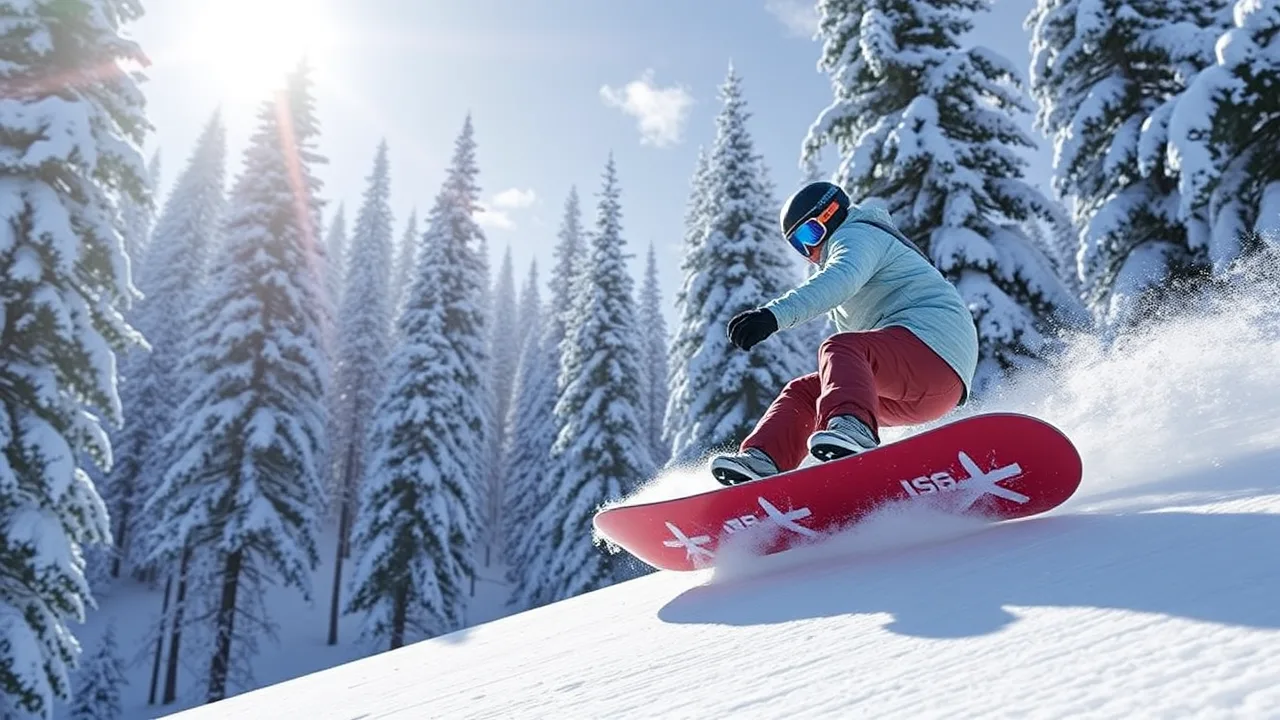
Snowboarding games are most enjoyable when a run feels readable rather than random. The slope may move quickly, but success usually comes from recognizing the next safe line, making small steering corrections, and keeping enough control to respond when the terrain changes. If you want to practise those decisions immediately, open Downhill Snowboard and check the controls shown inside its play frame before starting your first serious attempt.
Start by learning the response of the board
Do not judge the controls from one large movement. Begin with two or three short inputs and watch how far the rider turns. A browser snowboarding game may use keyboard, pointer, or touch controls, and the exact response belongs to the version currently loaded. The useful lesson is the same: find out how quickly the rider changes direction before the slope becomes crowded. Small tests at the top of a run are cheaper than discovering the steering sensitivity beside an obstacle.
Players often hold a direction for too long because they are watching the rider instead of the route ahead. Shift your attention farther down the slope. The character tells you where you are now; the approaching gaps tell you where you need to be next. A short correction made early usually preserves more speed than a desperate turn at the last moment.
Choose a line, not a single target
A coin, ramp, gate, or open patch can attract your attention, but one object is only part of the route. Before moving toward it, look at what comes immediately afterward. A collectible on the wrong side of the slope may force a difficult recovery. A slightly less rewarding line can be better when it leaves the rider centred and ready for the next section.
Think in sequences of three: the approach, the pass, and the exit. The approach is where you place the rider. The pass is the moment you clear or collect the object. The exit is the space you need for the following turn. Many failed runs happen because the player plans the first two parts and ignores the third. If the exit is blocked, abandon the target early and keep the run alive.
Use gentle corrections to protect momentum
Rapid left-right inputs can create a wobbling route that is difficult to predict. When the controls allow it, use brief corrections and let the rider settle before steering again. This makes the next movement easier to estimate and reduces the chance of overcorrecting across the full width of the slope.
Speed can make a run exciting, but speed without a stable line removes your options. If the game lets you accelerate or naturally becomes faster, treat the extra pace as a reason to look farther ahead. Do not wait until an obstacle fills the centre of the screen. Begin moving while there is still room to adjust the angle.
Collect items only when the route remains safe
If the current game includes coins or another collectible, regard them as optional route choices rather than compulsory objects. Missing one is usually less costly than ending the run. Prioritise items that already lie close to a safe path. When a collectible requires a sharp cross-slope movement, check whether there is enough open space to return.
This approach also improves consistency. A player who chases everything may occasionally produce a spectacular score, but many attempts end early. A player who protects the route can stay active longer and gather rewards across more sections. Once the steering feels familiar, you can take calculated risks instead of gambling on every object.
Read obstacles by the space around them
It is natural to stare at an obstacle, yet the useful information is the open route beside it. Identify the largest safe gap and steer toward its centre. This positive target is easier to follow than repeatedly telling yourself where not to go. If two obstacles create a narrow passage, align before reaching the entrance rather than turning inside it.
When several hazards appear, separate them mentally. Clear the nearest one first while keeping the next opening in view. Trying to solve the entire screen at once encourages abrupt movement. A calm sequence of small decisions is more reliable, especially as the pace rises.
Recover without making the mistake larger
A poor angle does not always require a maximum correction. First decide whether the current line is actually unsafe. If there is still open snow ahead, a modest adjustment may be enough. A full turn can carry the rider past the intended route and create a second emergency on the opposite side.
After a close pass, release the direction briefly if the controls respond continuously. Re-centre your attention, find the next gap, and resume deliberate inputs. One mistake becomes damaging when it turns into several rushed corrections. Recovery is a separate skill, and a controlled exit can save a run that no longer looks perfect.
Practise one skill per attempt
Short browser sessions are useful because you can give each run a specific goal. On one attempt, ignore difficult collectibles and practise staying near the centre. On the next, focus on looking ahead. Later, work on collecting only the items that fit your route. A narrow practice goal makes improvement visible and prevents every failed run from feeling the same.
You can also review the point where control was lost. Was the first error a late decision, a long steering input, or an unnecessary chase across the slope? The crash or missed object is the final result, not always the original cause. Find the earlier decision and change that on the next attempt.
Adjust the browser before blaming the controls
Input delay and an unstable frame rate can make a timing game feel inconsistent. Close heavy background tabs, keep the game area fully visible, and avoid resizing the window during a run. If the game offers sound, use a comfortable volume so effects help rather than distract. On a mobile device, make sure the page is not moving when you intend to steer inside the play frame.
If the first load seems incomplete, refresh once and allow the play frame to finish loading before testing. Do not repeatedly click while an advertisement or start screen is still changing. The objective is to separate a temporary browser problem from the game's normal steering response.
Keyboard and touch play require different habits
Keyboard input is often discrete: a key is pressed or released. Touch input may depend more on where and how long you press. On a keyboard, practise short taps instead of holding a direction through the entire turn. On touch, keep your fingers clear of important parts of the play area and use the control prompts shown by the game.
Do not assume that advice for one control method transfers perfectly to another. The route-reading principles remain useful, but the timing of an input may change. Give yourself one low-pressure run whenever you switch devices.
Explore the collection without assuming identical rules
The Snowboarding Games Unblocked collection can help you find other winter and slope-based pages on the site. Treat it as a discovery page, not a promise that every listing has the same physics, controls, collectibles, or scoring. Read the title and description of the individual game and then confirm the instructions inside its play frame.
Some winter games emphasise steering, others may use jumps, racing, parkour, or simple avoidance. Advice about looking ahead and preserving a safe exit remains broadly useful, but the exact objective should always come from the game you opened. This distinction keeps a general guide helpful without inventing features for every title in a mixed collection.
A practical five-run training plan
Use the first run only to test controls. In the second, stay centred and avoid risky items. During the third, look one obstacle farther ahead than usual. On the fourth, collect items only when the exit is visible. In the fifth, combine those habits and aim for a clean, controlled attempt rather than maximum speed.
After five runs, compare consistency rather than a single high score. Did you survive longer? Were fewer corrections made at the last second? Could you explain why you chose each side of an obstacle? Those answers show genuine improvement even before the score changes.
Questions players commonly ask
Should I always stay in the centre?
No. The centre is a useful neutral position because it leaves options on both sides, but the safest line depends on the next section. Move away from the centre when the route requires it, then recover a position that keeps future choices open.
Is it better to go fast or collect everything?
Neither objective should automatically replace control. Follow the goal shown by the game, but protect the run first. Collectibles and speed are valuable when the approach and exit remain manageable.
Why do I keep overcorrecting?
You may be holding the direction too long or reacting too late. Test shorter inputs and look farther ahead. An early, small turn gives you time to observe its effect before adding another correction.
Are all unblocked snowboarding games identical?
No. "Unblocked" describes access, not one shared design. Controls, scoring, physics, levels, and objectives can differ. Use the instructions in the current play frame as the final authority.
Finish each run with information for the next
A good attempt is not only the one with the highest result. It is an attempt that teaches you how the steering responds, which routes are risky, and when a collectible is worth leaving the safe line. Build those observations into the next run. Snowboarding browser games become less chaotic when each input has a clear purpose: establish the approach, pass through open space, and leave yourself a controlled exit.