




















racoon retail: the complete walkthrough that actually gets you clearing aisles fast
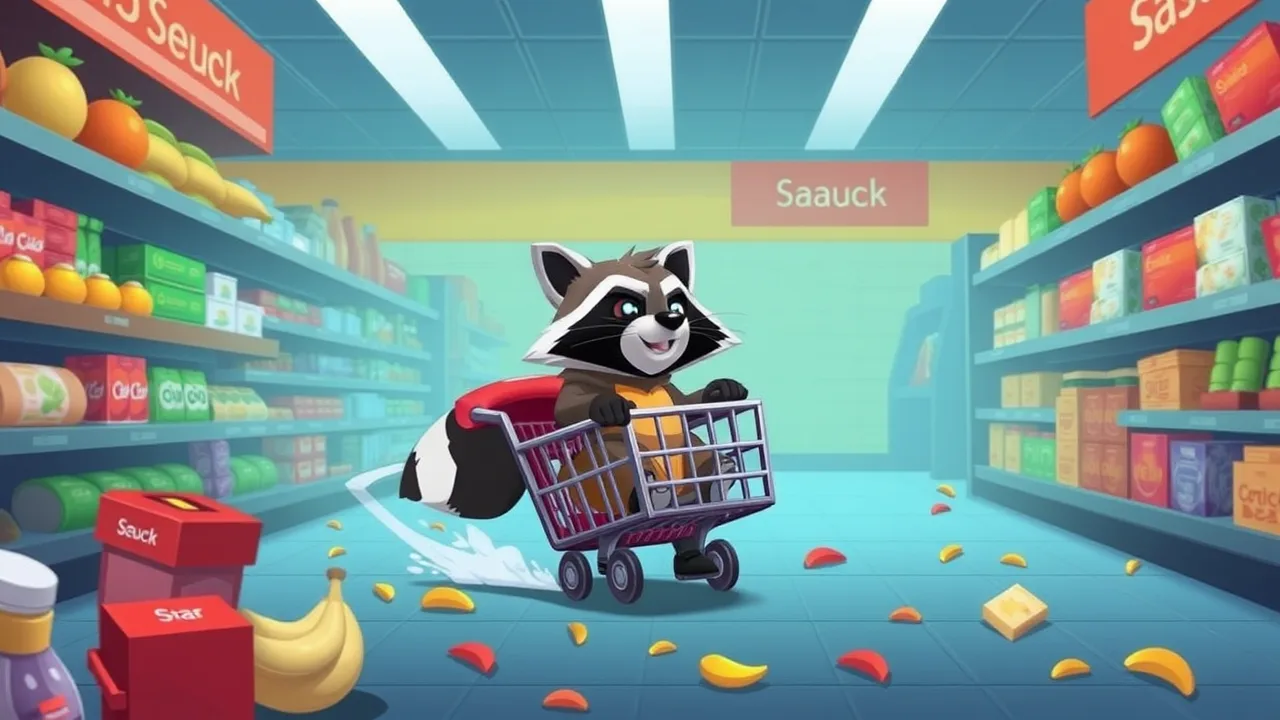
Let’s cut the fluff. You’re here for racoon retail tips that work, not recycled filler. This is a lean supermarket cleaner with a goofy heart: you zip around the store, scoop trash, dump it for cash, then pump that cash into upgrades so the shop looks less like a fruit tornado. If you just want to jump in, use your hub link once and done: racoon retail the complete walkthrough for players. In the browser versions floating around, you drive, collect, empty, upgrade, repeat. That’s the loop and it’s addictive for a reason.
🛒 What racoon retail actually is (no sugar coating)
You play a supermarket worker on a cleanup cart. Customers make a mess. You hoover the mess and dump it. Every load you dump spits out money you use to buff speed, capacity, and decor. Most builds keep the control scheme simple with WASD or Arrow Keys and a camera toggle if supported. It’s a web-first experience that runs in a tab, so you don’t need to install anything. That’s why it’s perfect for quick breaks.
🎯 Why the loop hits: micro-tasks, visible progress, zero friction
The gameplay is all micro-wins. You clear an aisle, the floor looks better, your wallet goes up, your cart feels faster after upgrades, and the store glow-up is immediate. That short feedback loop keeps you in flow. Design-wise it’s the same comfort you get from tidy-up sims, but capped into 2–5 minute loops that don’t hijack your day. The upgrade tree is small on purpose, so choices actually matter and you can feel the effect of each purchase. Public pages for the game highlight exactly that: mess, clean, cash, upgrade, decorate.
🧭 Quick-start setup for racoon retail in your browser
-
Load once, then wait two beats. Don’t click spam during preload on low-power laptops.
-
Go full screen to avoid scroll hijacks and improve input capture.
-
Mute heavy tabs like streaming video and cloud uploads before you start.
-
If frames stutter, toggle hardware acceleration in your browser and try a second browser family.
-
If your network blocks the host, respect policy and switch to a clean, allowed domain later.
These small moves remove most jank you’d blame on the game when it’s actually your browser.
🕹️ Controls that matter more than you think
-
Feather the throttle. Big collisions cost money in some builds. Smooth lines beat top speed.
-
Corner wide, exit tight. You’re a vacuum with weight. Avoid cutting shelves.
-
Plan dump routes. Dumpsters act like score banks. Empty before you overflow so you don’t waste trips.
💸 The smart upgrade order for racoon retail
Priority 1: Capacity
More storage equals fewer dump runs and better profit per minute.
Priority 2: Speed
Only after you can carry decent loads. Speed without storage makes you bounce between trash and dumpster with tiny hauls.
Priority 3: Magnet or pickup radius
When available, this cleans up sloppy lines and lets you skim aisles without pixel-perfect driving.
Priority 4: Decor
Aesthetic upgrades make the store feel alive and are part of the loop on several hosts. Sprinkle them in after your economy is stable.
🧪 Pro pathing: how to clean faster than everyone else
-
Divide the store into zones. Work one quadrant at a time. Your cart should never crisscross the whole map mid-load.
-
Serpentine lines. Sweep lanes in S-curves so you catch edge litter without backtracking.
-
Use choke points. If there’s a high-traffic aisle, patrol it after each dump. You’ll catch new spills before they spread.
-
Dump when you’re at 80 percent. Don’t wait for max. Overflowing forces awkward detours.
-
Reset lap after every upgrade. Speed changes your turning radius and braking distance. Do one slow lap to re-learn handling.
A user tip thread even notes there’s an invisible pacing system so the store can reach a near-clean state. Translation: don’t panic, the game is designed to let you catch up.
🧱 Avoid these day-one mistakes
-
Upgrading only speed. You’ll slam into shelves and leak money. Capacity first.
-
Ignoring camera toggles. Some versions let you switch views. Use the angle that shows litter clusters best.
-
Chasing every single scrap. Micro-trash at the edges can wait. Prioritize big clusters then sweep edges on your way to the dumpster.
-
Driving through crowds at full tilt. In some builds, hitting customers costs cash. Slow near groups and cut behind them.
🌿 A single natural wiki backlink you asked for
If you want broader context on how storefronts and customer flow even work in the real world, the overview on retail is a tidy primer on why stores are laid out the way they are and why cleanliness and throughput make or break revenue. It helps explain why your upgrade order in racoon retail mirrors real shop logic.
🧠 Mid-game mastery: economy, density, and decor synergy
-
Economy loop: clean clusters, dump, purchase capacity until you stop hitting overflow, then pump speed, then range. Only after those pillars should you sink coins into cosmetics.
-
Density reading: watch where customers bunch up. Mess density scales with traffic. Patrol those hotspots on a fixed cadence rather than reacting randomly.
-
Decor synergy: decorations aren’t just for vibes on some hosts. A prettier store motivates you to keep it pristine and often pairs with revenue upgrades.
-
Route compression: as your cart gets faster, shrink your patrol radius. Faster speed means you can recheck zones more often, so keep loops tight.
🧩 racoon retail strategy templates you can steal
The Conveyor
-
Capacity maxed first, medium speed, modest radius.
-
Route: long, slow coils that scoop everything.
-
Pros: steady cash, zero stress.
-
Cons: feels sluggish until mid-game.
The Sprinter
-
Speed early, capacity mid, radius late.
-
Route: tight figure-eights near the dumpster, frequent dumps.
-
Pros: high actions per minute, good if you enjoy constant movement.
-
Cons: punishes sloppy collisions, risky in crowded stores.
The Magnet
-
Early radius, then capacity, then speed.
-
Route: wide arcs that skim aisles.
-
Pros: forgiving collection, great on messy maps.
-
Cons: weak at the start if capacity lags.
Pick one, commit for ten minutes, then hybridize once you feel the cart’s weight.
🧯 Troubleshooting that saves sessions
-
Frame dips: close streaming tabs, toggle acceleration, try Firefox if you’re on Chromium or vice versa.
-
Input delay: full screen the frame and kill extensions that overlay keyboards or record inputs.
-
Stuck on loading: wait a few seconds after spinner ends, click inside the frame once, then refresh a single time if needed.
-
No audio: browsers mute autoplay until you interact. Click inside the frame to unlock sound.
-
Lost progress: private browsing can wipe local storage. Use a normal profile for persistent saves.
-
Glitch city: if a specific hosted build throws errors after saving, relaunch on a reputable host or the developer’s itch or site version.
🐾 Kin and cousins you might like after racoon retail
If the cleaning loop clicks, you’ll probably enjoy other web-first sims with small upgrade ladders and visible progress spikes. Think storefront management toys or light janitor sims where your flow is sweep, dump, upgrade. CrazyGames and Coolmath both list variants with similar control feel and progression pacing.
🧩 Real-world retail logic you can borrow for better routes
Store design chases throughput, visibility, and cleanliness because those factors raise basket size. Apply that logic here. Keep main aisles spotless first, then end-caps, then deep shelves. You’re optimizing perceived order, which in retail correlates with purchase intent. That’s why keeping the high-traffic centerline pristine makes the whole space feel “done,” even if a corner still needs love.
🧱 Safety and sanity checklist
-
Play on reputable hosts. If a page asks for weird permissions, bail.
-
Don’t install random “performance boosters.” That’s not a thing.
-
Keep sessions short so the loop stays cozy, not compulsive.
-
Respect local network rules. Use personal time and allowed domains.
💬 racoon retail in one breath
It’s a snack-sized clean-and-upgrade sim where route discipline and smart capacity beats reckless speed. Internalize that and you print cash every run. If you’re the “optimize everything” kind, you’ll vibe. If you’re the “zone out and tidy” kind, you’ll vibe even more.
❓ FAQ for racoon retail
How does racoon retail save progress in-browser?
Usually via local storage per browser profile. If you run in private mode, expect resets.
What’s the best first upgrade in racoon retail?
Capacity. It raises profit per minute because you reduce dump trips. Then speed, then radius.
Are collisions a big deal in racoon retail?
On some hosts, yes. Hitting customers or shelves can cost money, so smooth paths matter.
Is racoon retail keyboard only?
Most builds are keyboard movement with optional camera toggle. Some mobile wrappers support touch dragging.
Does racoon retail require installs or accounts?
No. It’s designed to run in-browser. Mobile store wrappers exist, but the core loop is the same.
Any legit places to play racoon retail?
Yes. The official site and reputable arcades host it as a free HTML5 title.
Why decorate if it doesn’t change speed?
Because it’s part of the reward loop. A nicer store makes your upgrades feel tangible, and some hosts directly pair decor with revenue upgrades.
Can performance feel different between browsers?
Absolutely. Canvas and WebGL pipelines vary. Try another browser if stutters persist.
What’s the gold standard cleanup route?
Quarter the map, sweep in S-curves, dump at 80 percent, patrol the busiest aisle after each dump, and re-learn handling after every speed upgrade.
Is there a mobile version tied to the same idea?
Yep. There’s a Play Store listing that mirrors the loop in a web wrapper. It’s still clean, dump, upgrade.