Math With Dino
1 plays

Math With Dino
About Math With Dino
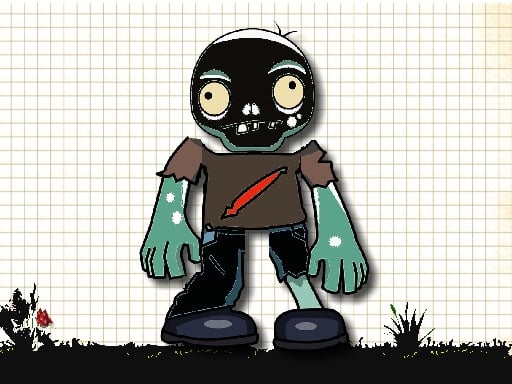
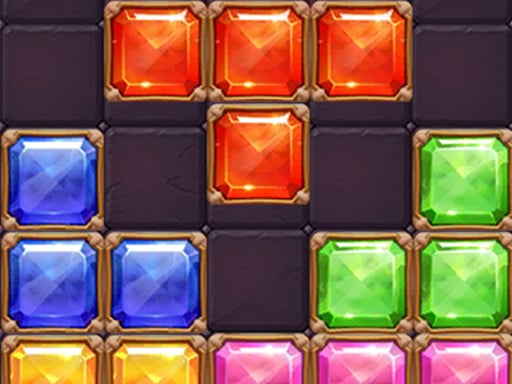
Math With Dino is a vibrant browser game that mixes math puzzles with a chaotic, colorful style. It looks simple but can be surprisingly challenging, making it a fun pick for kids and anyone wanting a quick brain workout. You can play it for free online, and while the design feels a bit old-school, it delivers an addictive experience that keeps you coming back for more.
Highlights
This puzzle game lets you select activities, solve math problems, and track your progress. The gameplay is straightforward but can get frustrating with timed challenges and tricky drag-and-drop controls. It is designed for a fun kids audience, featuring a cartoonish world where you practice arithmetic at your own pace. Despite some slow page loads and tiny buttons, it offers a decent mental exercise wrapped in a hypercasual package that is easy to start.
Quick Questions
How do I start playing Math With Dino?
You begin by choosing an activity from the menu, then solve math puzzles to advance through levels. The game tracks your progress as you complete each challenge.
Is Math With Dino safe to play online?
Yes, it is a browser game with no known risks, so you can enjoy it without worry on sites like CrazyGamesOnline.
Does Math With Dino support mobile devices?
Yes, the game is optimized for mobile and uses touch controls, making it easy to play on phones and tablets.
Are there lag issues in Math With Dino?
Sometimes, especially on slower connections, but it usually runs smoothly once loaded.
How It Works
To play, select an activity from the main menu and start solving math puzzles. You drag and drop answers to complete exercises, though the controls can feel imprecise. Progress through levels by finishing challenges, and keep an eye on timed tasks that test your speed. The game is free to access online, and it works best with a stable internet connection to avoid slow page loads.
Helpful Advice
Focus on accuracy over speed during drag-and-drop sections to avoid mistakes. Take breaks if the vibrant graphics strain your eyes, and use a mouse for better control on desktop. Practice regularly to improve your math skills and enjoy the brain workout without getting frustrated.